This guide explains how to use an existing Site Design to quickly add Radar and Camera sensors into MASS. If the site design matches your physical site, this process will save you time and only takes a few simple steps.
1. Export from Site Design
- Open Site Design and load your project.
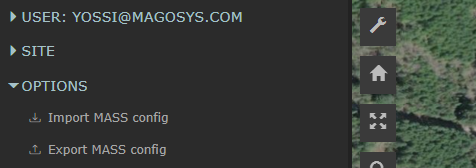
- Open the menu and go to OPTIONS.
- Click Export MASS Config.
2. Import to MASS
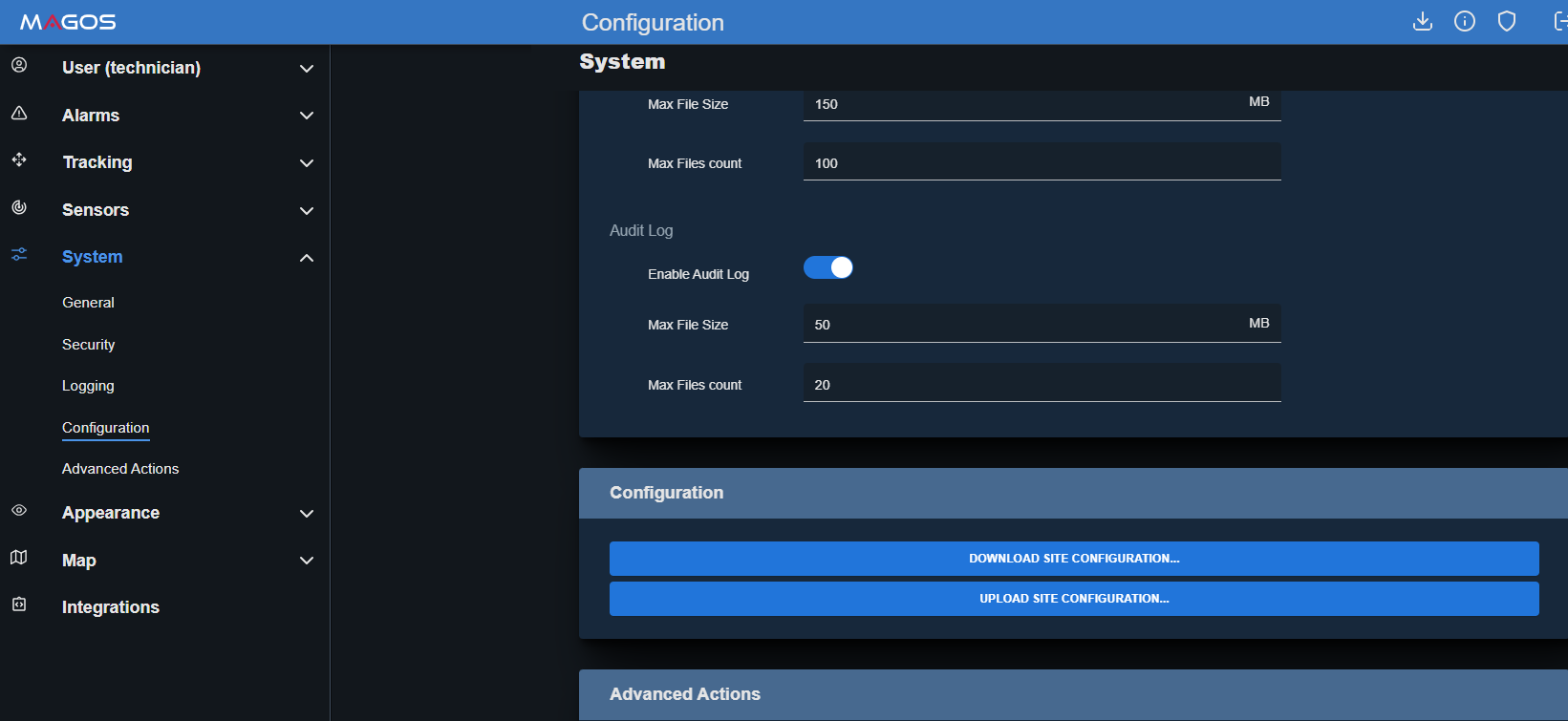
- Open MASS and login as a technician user.
- Navigate to Configuration > System.
- Click Upload Site Configuration... and select the file.
- Restart the MASS software to apply the changes.